TL;DR
HR automation handles the administrative and operational work of human resources, onboarding, employee data management, benefits, routine query handling, and offboarding, with minimal manual effort, so HR teams can focus on people. The key distinction is between the administrative work (document processing, data entry across systems, verification, coordination), which is repetitive and highly automatable, and the human judgment (hiring, performance, sensitive situations), which stays human. Structured tasks automate cleanly; the varied documents, cross-system data coordination, and exceptions require AI that can read and reason. Because HR handles sensitive personal data under regulations like GDPR, the automation must be secure, compliant, and auditable. Done well, HR automation cuts administrative time and errors and frees HR to be more human, not less.
What HR automation is
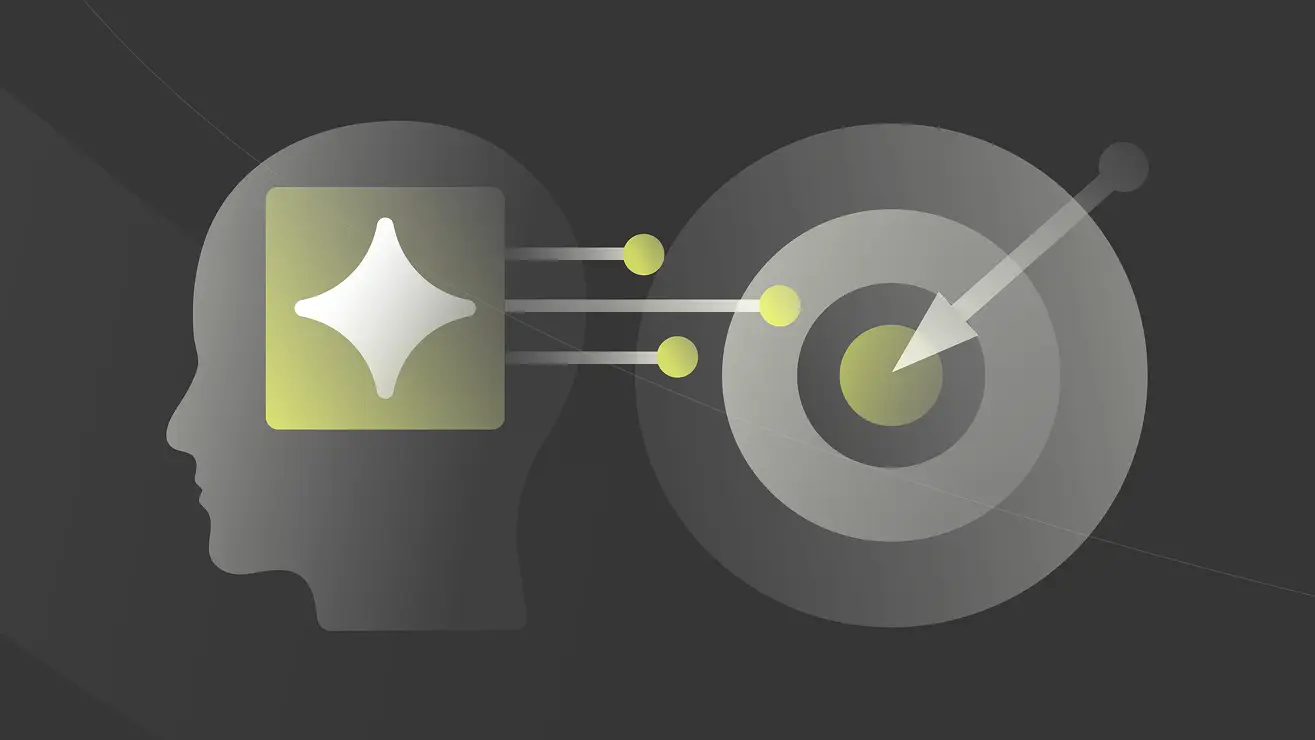
HR automation is the use of software and AI to handle the administrative and operational work of human resources, from recruiting coordination and onboarding through employee data management, benefits, payroll support, routine query handling, and offboarding, with reduced manual effort. It replaces the manual steps HR teams spend most of their time on: processing documents and forms, entering and reconciling data across systems, verifying information, coordinating between people and departments, and answering repetitive questions. The goal is not to remove people from HR but to remove the administrative burden from people, so HR can spend its time on employees rather than paperwork.
The motivation is that HR is document-heavy and cross-system by nature, and much of its work is repetitive and rule-based, which makes it both slow and a strong automation candidate. A Gartner survey from early 2024 found that 38% of HR leaders were already piloting or implementing AI automation, from planning through active deployment, a sign that this shift is well underway. Automating the administrative layer addresses speed, accuracy, consistency, and employee experience at once, while freeing HR staff for the human-centered work only they can do. For the applied product view, see Kognitos HR automation solutions.
The key distinction: administrative work versus human judgment
The most useful way to think about HR automation is to separate the work of HR from the judgment of HR, because they automate very differently and should be treated differently.
The work. Most of what HR does day to day is administrative: collecting and processing documents and forms (offer letters, tax and benefits forms, ID and compliance documents), entering and updating employee data across the HRIS, payroll, benefits, and IT systems, verifying information, coordinating multi-step processes like onboarding and offboarding, and answering routine employee questions. This work is repetitive, document-heavy, cross-system, and largely rule-based, and it is what consumes most of HR's time. It is also highly automatable.
The judgment. At the center of HR are decisions that require human judgment: who to hire, how to handle a performance issue, how to navigate a sensitive employee situation, how to shape culture and compensation. These involve empathy, discretion, context, and accountability, and they should stay with people. Automation should not make these calls.
The right model follows from the distinction: automate the administrative work, keep the human judgment human, and let automation handle the routine while routing anything that needs a person to a person. Done this way, HR automation makes HR faster and more consistent and gives HR staff back the time to be present for employees, rather than replacing them.
What automates cleanly, and what needs reasoning
Within the administrative work, tasks divide into those that automate cleanly with rules and those that require reading unstructured information and reasoning.
Automates cleanly (structured, rule-based). Routing forms and approvals by defined rules, triggering standard onboarding and offboarding steps, updating structured fields across connected systems, and answering common questions from a known knowledge base. These are predictable and rule-governed, and traditional automation handles them well.
Requires reasoning (unstructured, variable, exception-prone). The harder parts involve varied documents and coordination: reading the varied, unstructured documents HR handles (resumes, IDs, certifications, benefits and compliance paperwork, often scanned and in many formats) and extracting the right data; coordinating data across multiple systems that do not agree and resolving discrepancies; and handling exceptions and non-standard situations that fall outside the template (a missing document, an unusual case, an ambiguous request). These require interpreting unstructured content and reasoning, which rule-based automation cannot do, so it routes all of it to HR staff.
The honest picture is that the structured steps automate with traditional tools, but a large share of the actual manual effort in HR lives in the document reading, cross-system data coordination, and exceptions, which is exactly what AI now addresses. Automating only the structured steps speeds part of the process but leaves the document-heavy work manual; extending automation to the reading, coordination, and exceptions is where the larger gains are.
Two non-negotiables: data sensitivity and the human touch
HR automation carries two requirements that are especially important because of what HR handles.
Data sensitivity, security, and compliance. HR holds some of an organization's most sensitive personal data, and it is regulated (GDPR and similar laws govern how employee data is collected, used, and retained). HR automation must therefore be secure and privacy-respecting, apply rules consistently, and be auditable, with a traceable record of what data was used and what actions were taken, both for compliance and for trust. Automation whose actions cannot be reconstructed is a poor fit for regulated personal data.
The human touch. HR is fundamentally about people, and the consequential, sensitive, and interpersonal parts of the job should stay human. Automation should handle the administrative load so HR has more time for people, not insert itself into the moments that require empathy and judgment. Responsible HR automation is explicit about this line: it augments HR staff and does not replace the human element where it matters.
Together, these mean HR automation must be secure, compliant, and auditable, and must keep the human touch, which shapes both how it should be built (transparent and controllable) and how it should be deployed (augmenting people).
How AI handles the hard parts
The parts of HR work that resisted earlier automation, the varied documents, the cross-system coordination, the exceptions, are exactly what AI that can read and reason now addresses, and this is where the largest efficiency gains in HR are.
AI extends HR automation in several ways. It reads any document: rather than relying on templates, AI extracts data from the varied, unstructured documents HR handles (resumes, IDs, certifications, benefits and compliance forms, including scanned ones). It coordinates data across systems: AI can move and reconcile information across the HRIS, payroll, benefits, and IT systems and flag discrepancies, doing the cross-system work that consumes HR time. And it handles exceptions: rather than routing every non-standard case to a person cold, AI can interpret the situation, gather what is missing, and either resolve it or escalate it with context. Because the document reading, coordination, and exceptions are where most of the manual effort concentrates, automating them is where the significant gains are. For agentic AI applied to recruiting specifically, see AI agents in HR.
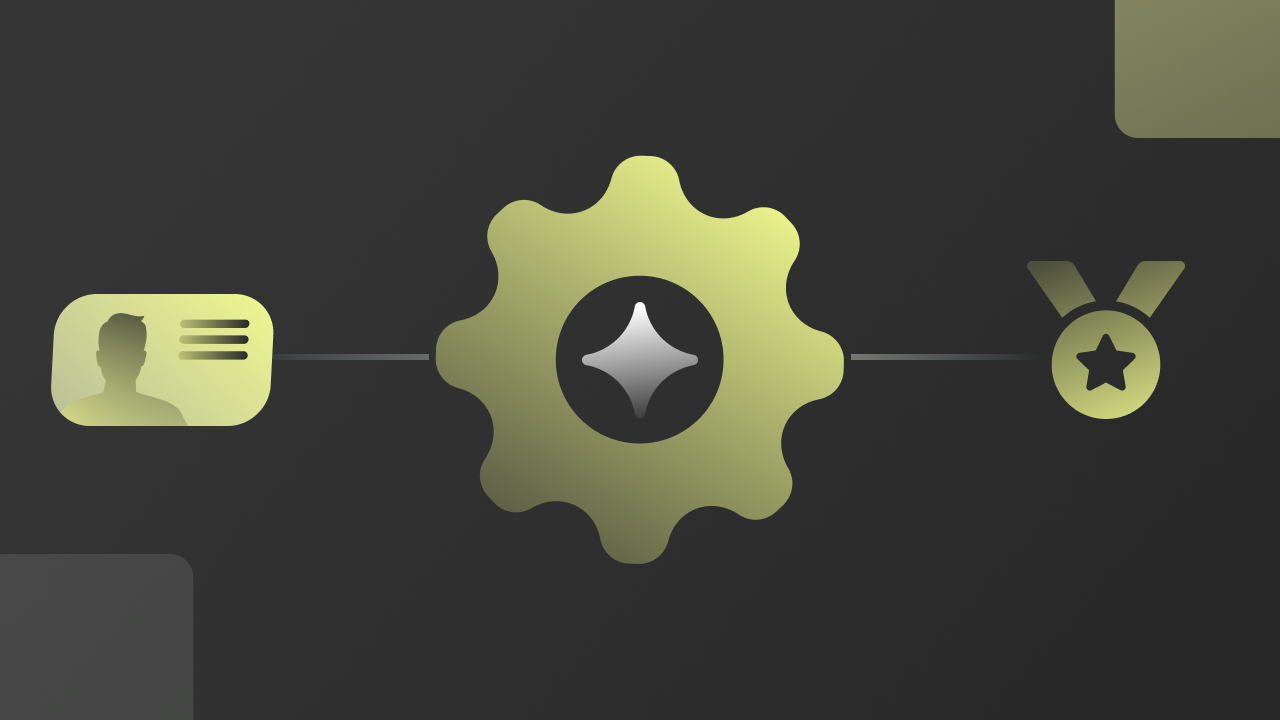
This is where a deterministic, agentic platform like Kognitos fits HR automation, honestly scoped. Kognitos is not an HRIS, a payroll system, or an applicant tracking system, and it does not make hiring, performance, or other people decisions; it works alongside those systems and HR staff. Where it fits is the document-and-process work: reading the varied HR documents and extracting the data, coordinating and reconciling data across HR systems, executing multi-step processes like onboarding and offboarding, and handling the exceptions, then routing anything that needs human judgment to HR with the work prepared, all deterministically and with a full audit trail. Two things make the approach fit HR specifically. First, because HR data is sensitive and regulated, the automation must be secure, compliant, and auditable, and because Kognitos executes deterministically and logs every step in plain language, every data point used and action taken is traceable and explainable, and it meets enterprise security and privacy standards (SOC 2 Type II, GDPR, ISO 27001; see Trust & Security). Second, the boundary is correct: Kognitos automates the administrative work and keeps the people decisions with people. It works on top of the existing HR stack, so HR teams get the administrative load handled and their time back for employees.
Book a working session with a Kognitos solutions engineer • Try Kognitos free
How to approach HR automation
For an HR team approaching automation, a practical sequence:
Automate the administrative work first. The document processing, data entry across systems, and coordination are where most of the time goes, so automate these first for fast, broad value.
Start with high-volume, well-defined processes. Onboarding, offboarding, benefits enrollment, and data updates are repetitive and well understood, which makes them low-risk, high-return starting points.
Handle documents and exceptions with reasoning-capable AI. Since the varied documents, cross-system coordination, and exceptions are where the manual burden is, use AI that can read and reason, not just rule-based automation that routes all of it to people.
Keep it secure, compliant, and auditable. Because HR data is sensitive and regulated, require that the automation is secure, applies rules consistently, and produces a complete, auditable record of every action.
Keep the human judgment human. Design the automation to handle the administrative load and route the consequential, sensitive, and interpersonal decisions to HR staff, keeping the human touch where it matters.
The throughline: automate the administrative work, start with high-volume defined processes, use reasoning-capable AI for the documents and exceptions, keep everything secure and auditable, and keep the human judgment human. Done this way, HR automation cuts administrative time and errors and frees HR to be more human, not less.
For related reading, see HR automation trends for 2026, HR digital transformation, AI in hiring, and employee onboarding automation.
Last updated: July 2026. This article is informational and does not constitute legal or compliance advice. HR data is subject to privacy and employment regulations (including GDPR); organizations should ensure any automation meets their compliance obligations.
How HR Departments Can Use Workflow Automation
- Identify the HR workflows consuming the most administrative time. Employee onboarding, offboarding, benefits enrollment, performance review collection, policy attestation, and compliance training tracking are the HR workflows with the highest administrative burden. Map FTE hours by workflow to prioritize automation.
- Deploy onboarding workflow automation for new hire document processing. New hire onboarding generates significant document processing: offer letters, I-9s, W-4s, benefits enrollment, and policy acknowledgments. Configure workflow automation to route each document to the correct processing step and provision systems automatically upon onboarding approval.
- Automate performance review collection and routing. Performance reviews involve multi-step collection from managers, peers, and self-assessments with specific deadlines. Configure workflow automation to distribute review forms, track completion, send reminders, and route completed reviews to the appropriate HR process step.
- Configure offboarding workflows for access revocation and exit compliance. Offboarding requires time-sensitive access revocation and compliance steps. Configure workflow automation to route access revocation requests to IT, benefits continuation notices to the employee, and equipment return instructions to the departing employee automatically.
- Measure HR administrative time reduction and compliance deadline adherence. HR administrative time per FTE and compliance deadline adherence (percentage of compliance tasks completed on time) are the primary HR workflow automation metrics.